Effects & feedback
These effects add visual feedback and movement without full-screen surfaces. Their memory costs differ: Fade draws through a StripDraw callback, Sky keeps a colour lookup table, Scanlines keeps one bitmap row, and palette helpers modify existing PAL8 palettes. See /reference/ for the signatures.
Reaching for feedback on a game event? This table routes you to the right effect; the sections below have the details.
| Event | Reach for |
|---|---|
| Small hit / took damage | sprite flash (1-3 frames) + a small Shake (add(0.6)) |
| Enemy killed / big impact | Particles burst + a bigger Shake (add(0.8)-add(1.0)) + hit-stop |
| Pickup / score pop | a Tween pop (the blip is on the audio page) |
| Screen / scene change | Fade |
| Menu / UI motion | Tween |
picogame_fx
Section titled “picogame_fx”Create these helpers for a Scene and update the time-based ones once per game frame. Shake and InvertFlash emphasize an impact, Fade handles transitions, Tween smooths a changing value, Camera follows the world, and Sky or Scanlines draw raster-style backgrounds and overlays.
import picogame_fx as fx
fx.Shake - decaying screen shake
Section titled “fx.Shake - decaying screen shake”
Shake stores an intensity called trauma. Calling add() raises it; each tick() applies a random offset and reduces the stored value. Pass the normal camera offset to tick() so both effects use one scene.set_view() call.
Shake(scene, max_offset=6, decay=0.03, seed=0x9E37)-max_offsetis the peak pixel offset (about 6 suits 320x240; over 10 hides the action).decayis trauma lost per frame (about 0.03 reads as a “kick”, not a “rumble”)..add(amount)- add trauma in the 0..1 range, clamped to 1.0. Use 0.6 for a small kick, 0.8 for a hit or explosion, 1.0 for a big impact. Trauma is squared before use, so small events barely shake and big ones slam - and below about 0.5 the offset is under one pixel atmax_offset=6(0.4 gives 0.96 px), so such a shake is invisible and only costs the full repaints..tick(cam_x=0, cam_y=0)- adds a decaying random offset on top of(cam_x, cam_y)and callsscene.set_viewwith the sum. ReturnsTruewhile still shaking. Pass your camera offset here so shake and a moving camera don’t both callset_viewand stomp each other.
import picogame_fx as fx
shaker = fx.Shake(scene, max_offset=6)# ...on impact:shaker.add(0.8)# ...every frame (no camera, so feed 0,0):shaker.tick(0, 0)Hit-stop (frame freeze)
Section titled “Hit-stop (frame freeze)”Freeze-framing on a big impact is a common juice technique, but there is no engine primitive for it - you skip N logic / scene.refresh() ticks yourself. Hold a freeze counter and, while it is positive, decrement and continue the loop (still calling clock.tick() so timing stays steady).
freeze = 0# ...on a big impact:freeze = 4# ...at the top of the game loop:if freeze > 0: freeze -= 1 clock.tick() continuefx.Fade - dither screen fade / dim / flash
Section titled “fx.Fade - dither screen fade / dim / flash”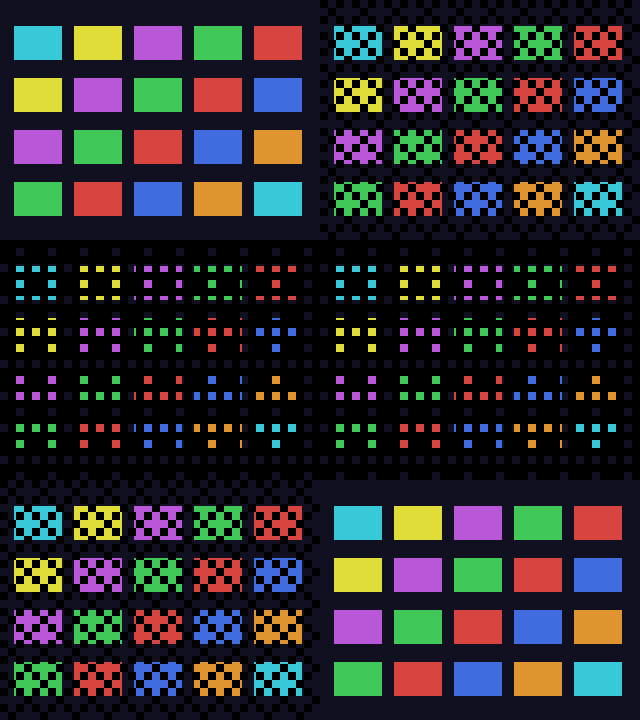
A StripDraw overlay stipples a colour over a rectangle with ordered Bayer dithering. It keeps no pixel surface. At level 0 its drawing rectangle collapses to 0×0, so it adds no region to repaint.
Fade(scene, width, height, x=0, y=0, color=0, cell=8)- covers the rect(x, y, width, height); defaults cover the whole screen. A sub-rect dims just that area (a panel behind a dialog, a sidebar).color=0is black;cellis the dither block size. Added to the scenefixed=Trueso it ignores the camera..set(level)- jump instantly tolevel(0 = clear .. 16 = solid). Use 16 to start opaque before a fade-in..to(target, speed=2.0)- head towardtargetatspeedlevels per frame. Returnsself..out(speed=2.0)/.into(speed=2.0)- shortcuts forto(16)(to opaque) andto(0)(to clear)..dim(level=8)- jump to a partial hold, e.g. a 50% dim behind a menu..clear()jumps to 0..pulse(level=12, speed=2.0)- ramp up tolevelthen automatically back to 0; the smooth full-screen flash. Keeplevelunder 16 so it stays a see-through dither, never a solid wall..tick()- stepleveltowardtargetbyspeed. ReturnsTruewhen the target is reached..is_done(property) -Truewhenlevel == target.
import picogame_fx as fx
fader = fx.Fade(scene, W, H)# ...trigger a fade to black:fader.out(speed=2)# ...each frame, fade back in once we hit black:if fading and fader.tick(): fader.into(speed=2)fx.Tween - ease a scalar toward a target
Section titled “fx.Tween - ease a scalar toward a target”
A per-frame exponential ease-out for a single value: UI slides, pop-up scales, a number that should “catch up” smoothly. No keyframes or schedule.
Tween(value=0.0, speed=0.2)-speedis the fraction of the remaining gap closed each frame (0..1)..to(target, speed=None)- set a new target (and optionally a new speed). Returnsself..set(value)- snap value and target tovalueimmediately..tick()- move value aspeedfraction toward target and return the new value. Snaps exactly when within 0.01..is_done(property) -Trueonce value equals target.
import picogame_fx as fx
y = fx.Tween(0)y.to(100) # slide a panel down to y=100# ...each frame:panel.y = int(y.tick())fx.Camera - smoothed follow camera
Section titled “fx.Camera - smoothed follow camera”
Tracks a world point and produces the scene view offset, centred and optionally clamped to a world size. Use it when the level is bigger than the screen.
Camera(scene, w, h, lerp=0.18, world_w=0, world_h=0, top=0, bottom=0, left=0, right=0)-w/hare the screen size;lerpis the follow smoothing per frame;world_w/world_h(if non-zero) clamp so the view never shows past the world edge;top/bottom/left/rightare a reserved HUD band (the same numbers you gavesetup()orScene), so the camera centres and clamps inside the visible part of the screen instead of under the HUD..follow(tx, ty, snap=False)- move the camera centre toward(tx, ty)bylerp, or jump there withsnap=True. Returnsself, so you can chain..apply(shake=None)- compute the offset and callscene.set_viewdirectly. Allocation-free; returnsNone. Pass aShake(cam.apply(shaker)) and the shake offset rides on top of the camera in the same call - oneset_view, no tuple..offset()- compute and return the offset as an(ox, oy)tuple (allocates a tuple per call - fine for setup or a test, not for the frame loop). Afterapply()/offset()the ints are also readable as.ox/.oy.
import picogame_fx as fx
cam = fx.Camera(scene, W, H, world_w=bounds_w, world_h=bounds_h, top=BAR) # same band as setup(top=BAR)# ...each frame:cam.follow(player.x, player.y).apply()fx.Sky - vertical gradient background
Section titled “fx.Sky - vertical gradient background”A vertical gradient drawn through StripDraw. On its first draw it builds five h-entry uint16 tables (about 10 * h bytes) describing the gradient as merged equal-colour row runs, and redraws the requested rows when its region is repainted. Add it before the gameplay layers.
Sky(scene, x, y, w, h, top, bottom)- fills the rect, lerping each scanline from thetopwire-RGB565 colour tobottom. Addedfixed=True. Change.top/.bottomover time for a day-night cycle.
import picogame as pgimport picogame_fx as fx
sky = fx.Sky(scene, 0, 0, W, HORIZON, pg.rgb565(60, 120, 240), pg.rgb565(200, 230, 255))fx.Scanlines - CRT scanline overlay
Section titled “fx.Scanlines - CRT scanline overlay”Darkens every Nth row for a CRT or LCD-grid look. It retains one PAL8 row of w bytes plus a two-entry palette, then blits that row through StripDraw. Add it after gameplay layers so it remains visible.
Scanlines(scene, x, y, w, h, step=2, dark=pg.rgb565(0, 0, 0))-step=2darkens every other line;darkis the overlay colour. Precomputes a 1px dither row and blits it once per darkened line (one blit instead of a per-pixel loop).
import picogame_fx as fx
scanlines = fx.Scanlines(scene, 0, 0, W, H) # add LAST, on top of everythingfx.InvertFlash - controller inversion flash
Section titled “fx.InvertFlash - controller inversion flash”
Flips a compatible SPI panel to its negative for a few frames using controller colour inversion (pg.invert). It does not repaint the scene or allocate a pixel buffer. Use it with ST7789/ST7735-class controllers; it is not available on framebuffer outputs such as Fruit Jam DVI. The simulator emulates the effect.
InvertFlash(display, frames=3, normal=None)-displayis the board’s display, e.g.picogame_game.display();framesis the flash length.normalis the panel’s resting invert state. The PicoPad sends INVON in its init, so its resting state isnormal=None(the default); passnormal=Falseonly for a panel whose init does not invert..pulse(frames=None)- flip away from the resting state now (optionally for a custom frame count)..tick()- count down and restore the resting state when the flash ends. ReturnsTruewhile flashing. Call it afterscene.refresh()so the INVON/INVOFF is the frame’s last bus op.
import boardimport picogame_fx as fx
flash = fx.InvertFlash(picogame_game.display(), frames=6)# ...on hit:flash.pulse()# ...after scene.refresh():flash.tick()Seizure safety: for any full-screen flasher (InvertFlash, Fade.pulse, rapid sprite flash), avoid sustained flashing above ~3 Hz (at least 10 frames apart at 30 fps); keep full-screen inverts to 1-3 frames, one-shot.
picogame.Particles
Section titled “picogame.Particles”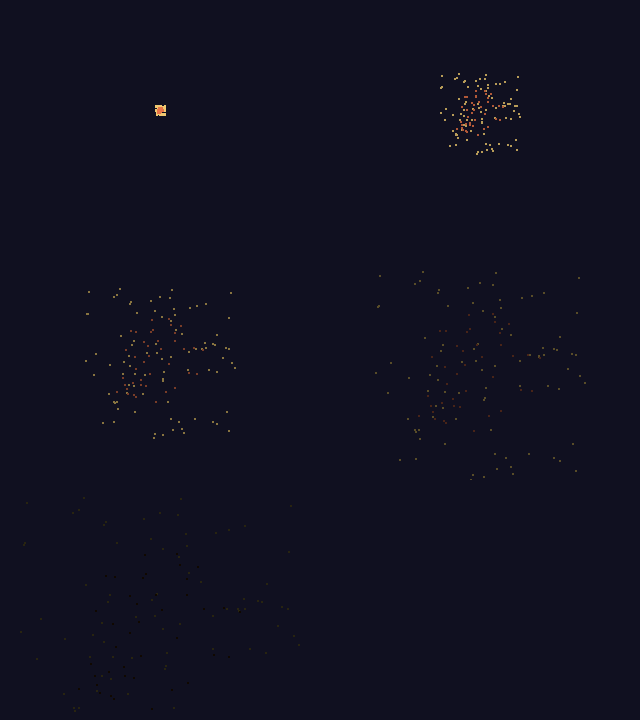
pg.Particles is a core engine layer for sparks, explosions, pickup bursts, and dust. It pre-allocates a fixed-capacity pool and does not create new particle objects during emit() or tick().
pg.Particles(capacity, *, size=1, gravity=0.0, fade=False)- a pool of up tocapacitydots, eachsizepx.gravitypulls them down per tick (0 = free drift);fade=Truedims a dot as it ages.size/gravity/fadeare keyword-only (pass them by name)..emit(x, y, count, speed=1, life=30, color=0xFFFF)- burstcountdots from(x, y)with random velocity up tospeedpx/tick, each livinglifeticks..tick()- age and move the live dots; call once per frame.
import picogame as pg
ps = pg.Particles(180, size=2, gravity=0.0, fade=True)scene.add(ps) # add once, like any layer# ...on a hit / kill / pickup:ps.emit(x, y, 16, 4, 24, pg.rgb565(255, 210, 120)) # 16 sparks, speed 4, 24-tick life# ...every frame:ps.tick()picogame_palette
Section titled “picogame_palette”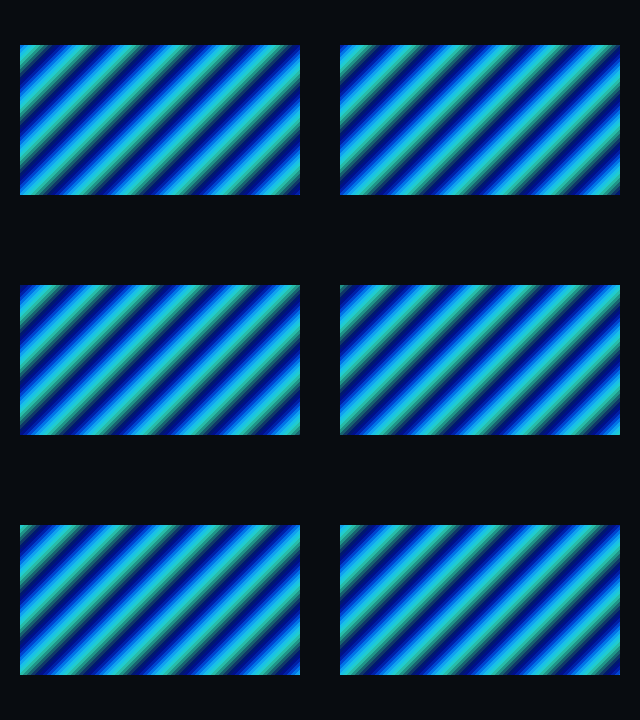
PAL8 art can change colour without duplicating its pixel indices. cycle rotates a range of palette entries, swap copies another palette, and fade interpolates entries toward a target. Palette entries are wire-order RGB565 integers returned by pg.rgb565().
import picogame_palette as palette
snapshot(palette)- return anarray('H')copy of a palette. Save the original once, before any fading or cycling, so you can fade relative to it orrestoreit.restore(palette, base)- copybaseback intopalettein place.cycle(palette, lo, hi, step=1)- rotate entries[lo..hi]inclusive bystep(wraps), in place with no allocation, so it is safe to call every frame. Reserve a run of indices for flowing colours, paint your art with them, and they animate.swap(dst_palette, src_palette)- copy one palette over another (up to the shorter length). GBC-style recolour: keep one PAL8 bitmap and hand it a different palette per variant. Cheaper than a second bitmap.fade(palette, base, t, target=0, skip=None)- lerp every entry ofpalettefrom the savedbasetoward thetargetwire colour byt(0.0 = base .. 1.0 = target).target=0(black) fades out; a white target fades to white.skipleaves one index untouched (e.g. a transparent index).
import picogame_palette as palette
# ...each frame, flow a reserved band of water colours:palette.cycle(water_bmp.palette, 1, 6)water.touch() # tell the renderer the palette changedRecolour a sprite brighter / to a new hue — what sprite.tint can’t do (multiply only darkens).
Keep one PAL8 bitmap and give it a warm palette (e.g. a green enemy → a hot amber “elite”):
import array, picogame_palette as palette
WARM = array.array("H", [0, pg.rgb565(150, 40, 30), pg.rgb565(255, 130, 45),                         pg.rgb565(120, 45, 25), pg.rgb565(255, 215, 130),                         pg.rgb565(235, 90, 45), pg.rgb565(255, 245, 190)])  # one entry per indexpalette.swap(enemy.bitmap.palette, WARM)   # copy WARM into the bitmap's palette, in placeenemy.touch()                              # the renderer won't notice a palette change on its own# Per-variant instead of in-place? Build a 2nd `pg.Bitmap(DATA, ..., palette=WARM)` and assign it to# the sprite's `.bitmap` — see examples/picogame_picowing.py, which recolours the Kenney enemy this way.