Making it fun
Once the game loop works, tune four things: the player’s main action, feedback, difficulty, and scope. The bar is not “it runs” — it’s fun in the first 10 seconds. The patterns page provides code for the ideas below.
Start with the main action
Section titled “Start with the main action”Before naming the verb, decide the fantasy — what the player gets to be. “Catch” is a different game as a frantic short-order cook, a goalie, or someone saving falling stars. Pick the fantasy, then name the verb in one word: jump, shoot, steer, match, dodge. Build the loop around it: act → see the result → respond → act again under changed conditions.
A loop this tight should be legible just by watching it for ten seconds, and fun with no art and no
sound. Prototype with generated shapes from picogame_shapes before committing to final art — if the
action isn’t fun as a rectangle chasing a circle, better art won’t save it. Fix the rules and feedback
first.
Give actions immediate feedback
Section titled “Give actions immediate feedback”Feedback connects an input or collision to a result the player can see and hear, applied in the same update that handles the event — a delayed response reads as sluggish even at 30 fps. Not all feedback is equally cheap. Roughly in order of fun gained per byte spent:
-
A sound on the main action — the single best return for the least code; a beep confirms what the eye already saw. The simplest beep needs no
.wavfile:beep = picogame_audio.tone(880, 90) # a short high blip, built onceaudio.sfx(beep) # fire it the frame the catch happensWhat carries the meaning is the contour — high reads as good, low as bad. The ready-made
picogame_sfxkit gives you both:Catch (a light blip):
Miss (a low, downward tone): -
A short hit-flash — set a sprite’s opaque pixels to flat white for 1-3 frames, then clear it. Almost free:
spr.flash = pg.rgb565(255, 255, 255) # on impactspr.flash = 0 # 2 frames later: back to normal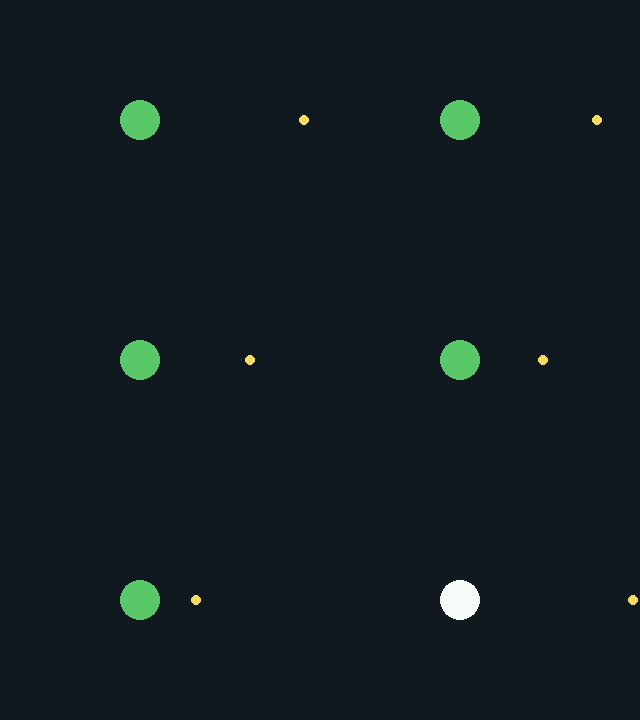
-
A restrained screen shake —
picogame_fx.Shake, a few pixels, decaying fast. More reads as noise, not impact:shaker.add(0.6) # on a hit — trauma is squared, so small events barely shakeshaker.tick(0, 0) # every frame (feed a camera offset here if you have one)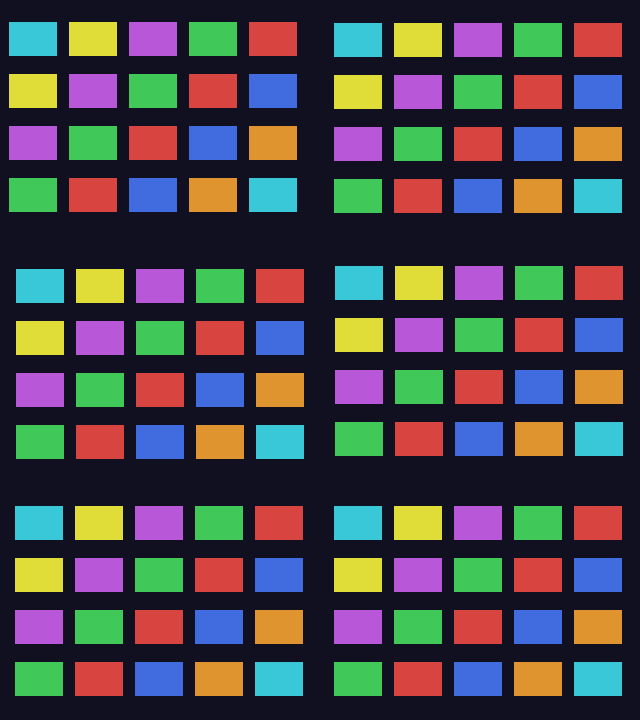
-
A brief hit-stop — freeze the sim for 2-8 frames on a big hit; it makes the impact connect. No engine primitive — you skip your own ticks:
freeze = 4 # on a big impactif freeze > 0: # at the top of the loop, while frozen:freeze -= 1; clock.tick(); continue -
A small particle burst — a pop or ring on catch or score:
ps.emit(x, y, 16, 4, 24, pg.rgb565(255, 210, 120)) # burst on the eventps.tick() # every frame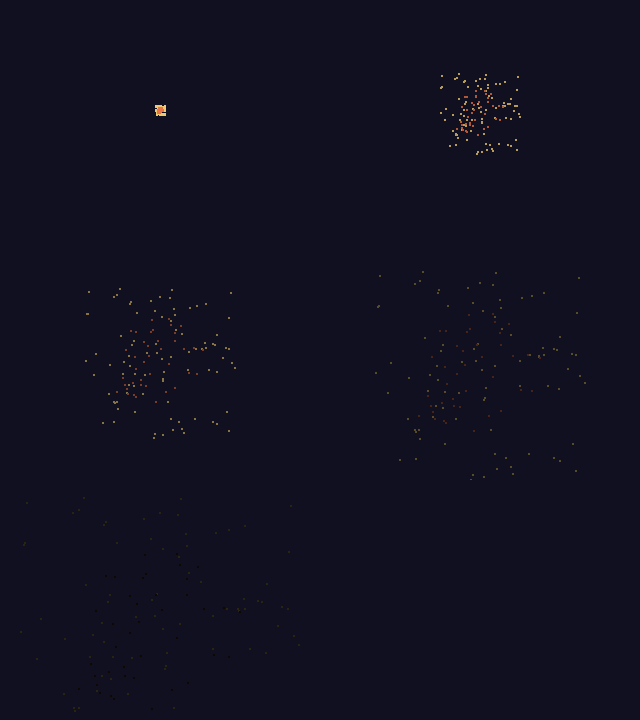
Spend the first item before reaching for the fifth — one good sound beats five weak particle effects.
Match strength to the event and keep the play area readable; picogame_fx and the native blit effects
cover most of this, see effects and the patterns page.
Difficulty that breathes
Section titled “Difficulty that breathes”Difficulty should rise in a sawtooth, not a straight climb: build tension for 20-40 seconds, release it at a milestone (a cleared wave, a checkpoint), then re-engage about 10% harder. A flat ramp goes boring by minute two; a monotonic climb never lets the player exhale.
- Ramp speed, density, or variety before adding health. This changes the play pattern instead of padding the same encounter.
- Telegraph every threat. A readable wind-up, and enough time to react — the human floor is about 250 ms (roughly 8 frames at 30 fps). Below that, a hit stops feeling like the player’s fault.
- Be generous — this is what makes a game feel fair, not easy: coyote time and a jump buffer
(
picogame_input.Timer), i-frames after a hit so one mistake can’t chain-kill, a hitbox smaller than the player’s sprite. - Restart in under half a second. Re-initialise the run in place; never send the player through a menu to try again.
Scope is a feature
Section titled “Scope is a feature”Build the smallest complete version of the main loop, play it, and add from there. Cut a feature if it doesn’t change the player’s decisions or the strength of the feedback — a fourth enemy type that plays exactly like the first three is not depth. The device’s RAM and timing limits are a useful boundary, not just a constraint to fight.
What players remember
Section titled “What players remember”A run is remembered by its peak and its ending, not its average frame. Give each run a clear high point, and land the ending deliberately: on failure, show the result, add one last visual or audio beat, and offer a restart with no delay. A flourish on death costs little and is what makes the player reach for the button again.
Before → after: a catch game
Section titled “Before → after: a catch game”A one-button game — move left/right, catch falling shapes, three misses and you’re out. Bland version: silent, shapes fall at one constant speed forever, “GAME OVER” text, no restart hint. Applying the ideas above, cheapest first:
- Sound — a blip on every catch, a distinct low thud on every miss. One
picogame_sfx.Kitcall; changes how every catch feels immediately. - Hit-flash — the caught shape flashes white for 2 frames before it leaves the pool.
- Shake — a 3-4 px
picogame_fx.Shakeon a miss only, decaying over half a second — not on every catch, or it drowns the good feedback in noise. - Fairness — the catcher’s hitbox is a few pixels narrower than its sprite, and a shape that grazes the edge still counts. Without this, misses feel like the game’s fault, not a slow reaction.
- Difficulty sawtooth — fall speed and spawn rate step up every 5 catches, each step ~10% harder, with the two seconds after a step-up left untouched to let the new speed register.
- Peak-end — the run’s best streak is shown, large, at the top of the game-over screen, above the score; A instantly starts a new run.
None of this changed the rules of catch. It changed how catching feels — and that’s the whole page.
Next: the patterns turn each of these into code; the tutorials build three games applying them.