picogame example games
Click a game to play it in your browser — or copy it to a PicoPad. Every one of them runs in the browser; most also ship their source in this repo.
Try a game
Section titled “Try a game”▶ In your browser — easiest, nothing to install. Click any game below. It opens in the Playground and starts right away. Keys: arrows (or WASD) move, F (or Ctrl) = button A, G = button B.
💻 On your computer. Download the code once, then run a single line — the desktop simulator opens a window:
git clone https://github.com/MakerClassCZ/picogamecd picogamepython3 sim/run.py demos/picogame_snake.py # any demo/gameYou need Python 3 (add pip install pygame for a live window; without it the run just saves a screenshot).
🎮 On real hardware. Any Raspberry Pi Pico with a small screen, a few buttons and a buzzer plays these — a ready-made PicoPad, or one you build yourself. Flash the firmware, copy the game’s files, done.
The games
Section titled “The games”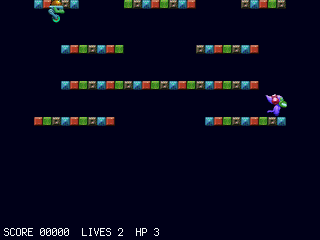
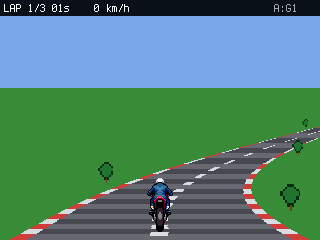
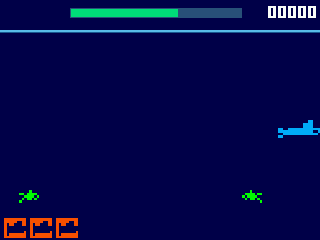


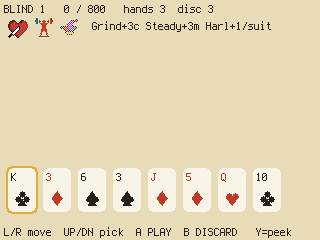
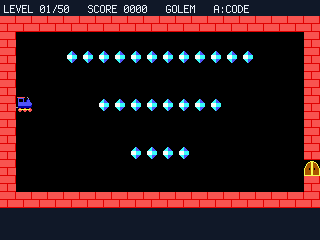
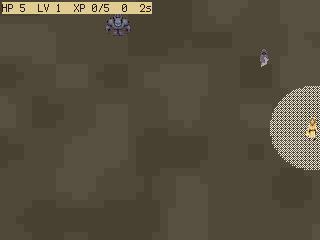
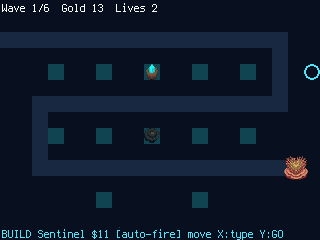
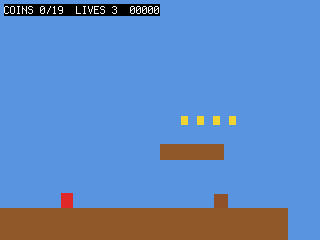
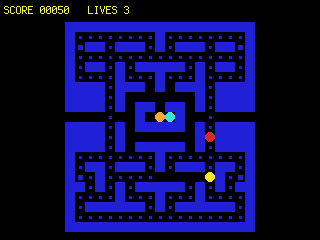
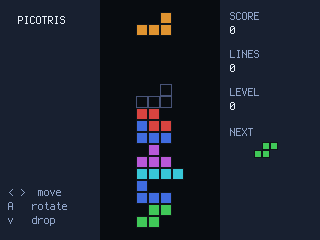
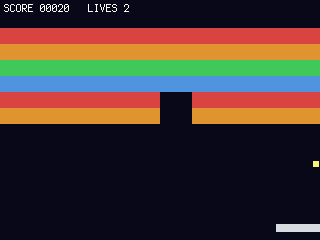

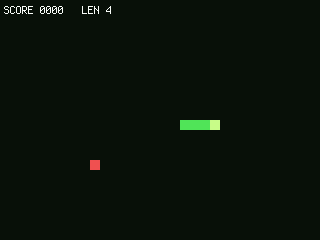
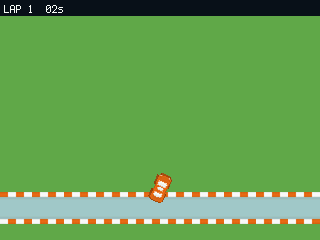
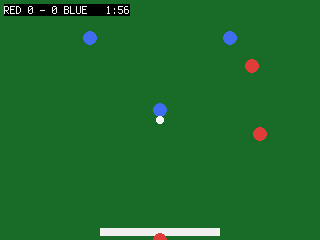


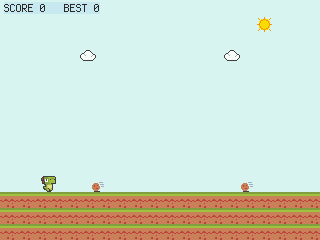


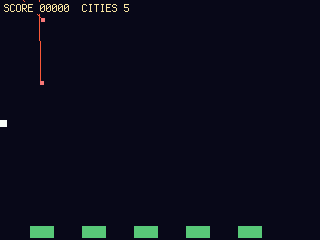
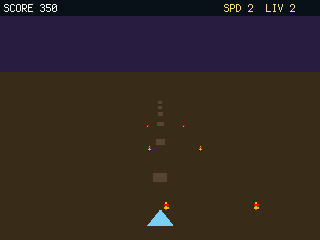
Every game is one self-contained program, and its opening comment lists exactly what it uses — so it also works as a template: start from the closest one and reshape it. Most of them live in the picogame repo — a few are playable here without their source being part of the public tree.
Put a game on a device
Section titled “Put a game on a device”- Flash
firmware.uf2— steps on Run on hardware. - Copy the game’s
code.pyonto the CIRCUITPY drive, plus the helper modules and any asset files it imports (each game’s header comment lists them).
Power-cycle and it runs.