A complete engine
Sprites, tilemaps, collisions, a camera, sound, and text are built in — the parts every game needs, ready to use.

 board.
picogame is a small 2D game engine for microcontrollers like the RP2040, the chip inside the PicoPad pocket console. You write your game in Python and try it in your browser or the desktop simulator. When it is ready, copy it to a supported board. You do not need C, a firmware build, or hardware to start.
Coming back after a while? What’s new — the latest is picogame-libs 0.3.2 (2026-09-21): picogame on SAMD51 handhelds, with shift-register buttons, an I2C gamepad and true-DAC sound.
A whole game, designed and built with picogame:
Start in your browser in five minutes, then run the same code on the device — picogame handles the rest:
A complete engine
Sprites, tilemaps, collisions, a camera, sound, and text are built in — the parts every game needs, ready to use.
Smooth motion at 30+ FPS
The engine repaints only what changed each frame, so games stay fluid — even on the modest RP2040.
The low-level work is done
The hard parts — display driver, blitter, text, collisions — run in native C. You write your game in plain Python.
Built for small RAM
Built to use as little memory as it can — full-screen effects need no extra buffer, so even big scenes fit the RP2040’s small RAM.
Games across several genres, runnable in your browser and on supported devices:
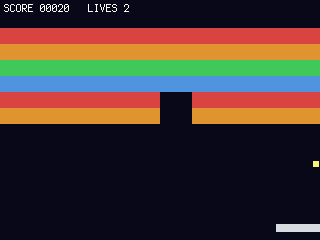
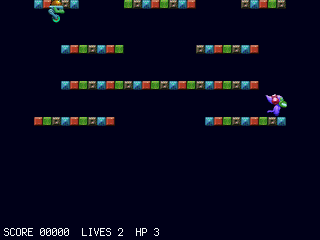
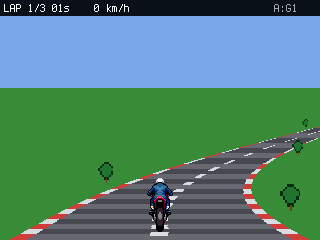
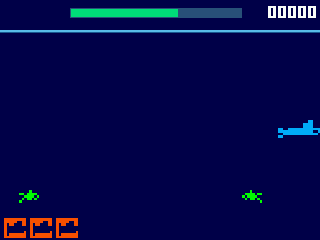

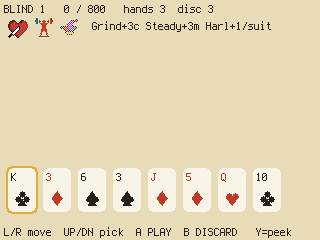
Sprites, scrolling tilemaps, a moving camera, particles, sound, and saved high scores. See all the games — and play them in your browser →
Two steps and you’re playing: flash the firmware, then copy a ready-made pack of games onto the drive. A launcher boots so you can pick a game and play — no coding needed.
New to game words like sprite or tilemap? Start with the Glossary.
Clone the main repository for the simulator, games, tutorials, and helper libraries.
The other repositories serve specific deployment and compatibility needs: